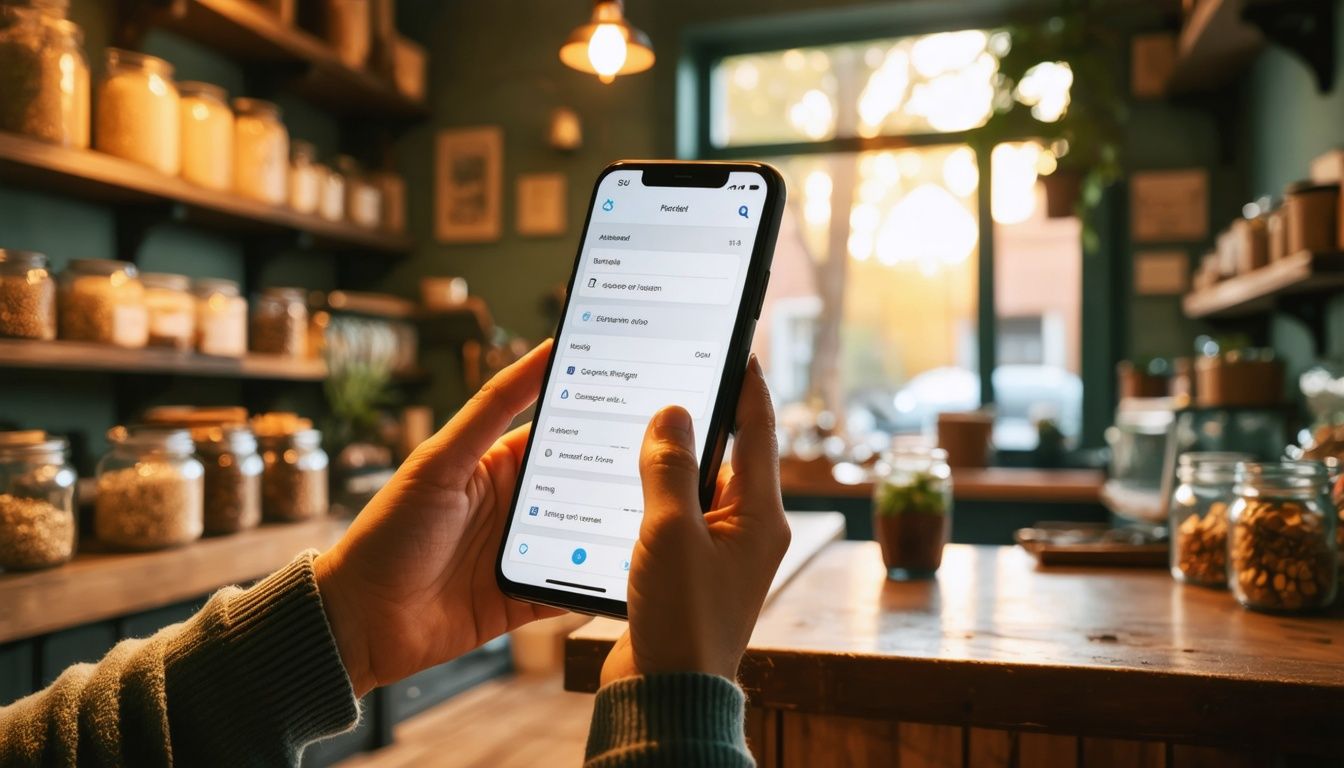
Your Google Business Profile (GBP) is the storefront most local customers see first. They search “plumber near me” or “best coffee Dublin” on a phone, scan the map pack, tap a profile, and decide in seconds. If your profile is half-filled, miscategorized, or missing photos, you lose that decision before the customer ever visits your site. This checklist covers the eight things that change Google Business Profile rankings in 2026, in the order a business owner can work through them.
Why GBP optimization matters in 2026
Most local searches happen on a phone, and the map pack sits above the regular blue links. A strong Google Business Profile often beats a strong website for picking up nearby customers. Google’s local algorithm weighs three things: relevance (does your profile match the search?), proximity (how close are you?), and prominence (how well-known and well-reviewed is your business?). You can’t change proximity, but you control the other two.
Google Business Profile optimization is the work of telling Google what you do, where you do it, and why customers like it. Done well, it pulls calls, direction requests, and bookings out of searches you didn’t even know were happening. Done poorly, you watch a competitor with a worse business outrank you because their profile is more complete. The eight steps below cover what to check.
Get your business verified (and re-verified if lapsed)
A profile only ranks if Google trusts it’s a real business. Verification is the trust signal. If you’ve never verified, sign in to your Google Business Profile, search for your business, and follow the prompt. Google offers verification by postcard, phone, email, or video, depending on your business type and history. Video is now the default for many new profiles. Record a short clip showing your signage, equipment, and street address.
Profiles can also get suspended or unverified without warning, often after an address change, a duplicate listing, or a category swap that triggered a manual review. Check your profile dashboard monthly. If you see “Needs verification” or a yellow banner, fix it before doing anything else. An unverified profile won’t show in the map pack at all. For a full picture of what Google sees, run a digital presence audit before you make further changes.
Choose the right primary and secondary categories
Categories tell Google what searches you should appear for. Your Primary category carries the most weight, so pick the one that describes what you sell most of. A bakery that does wedding cakes should be Bakery, not Wedding cake shop. The broader category captures more searches and the wedding work shows up in your services list anyway.
Add up to 9 secondary categories, but only ones that apply. Don’t stuff. If you’re a Plumber, secondaries like Drainage service and Heating contractor make sense; Electrician does not. To find what competitors use, install the GMBspy or PlePer browser extension and inspect the top three ranking profiles for your main keyword. Match the categories that fit you. Adding the right secondary category often unlocks visibility for a whole new bucket of searches.
Write a description that uses your keywords like a human
Your business description has 750 characters. Use them. Open with what you do and where, in plain English. Mention 2 or 3 services you want to be found for, the area you serve, and one detail that distinguishes you: years in business, a certification, a specific niche. Read it aloud; if it sounds like a brochure, rewrite it.
Google says the description doesn’t affect ranking, but it does affect click-through. A clear description gives the customer a reason to tap. Avoid keyword stuffing (“plumber Dublin plumber Dublin plumbing services Dublin”). Google’s spam filter catches that and it reads like spam to humans. A natural sentence like “We’re a family-run plumbing company serving Dublin and north Wicklow, specializing in boiler repairs and bathroom installations” does the keyword work without sounding like a robot wrote it.
Photos, videos, and the visual signals Google rewards
Profiles with photos get more clicks, more calls, and more direction requests. Google has said this on the record. Upload a logo, a cover photo, and at least 10 interior, exterior, and team photos. Use real photos, not stock. Google’s image-recognition is good enough to flag stock libraries, and customers can tell.
Add new photos every 2 to 4 weeks. Fresh visual content signals an active business. Geo-tag photos using your phone’s location settings before uploading; Google reads EXIF data. Short videos (under 30 seconds) work even better: a clip of your shop opening up, a finished job, or a product close-up. Aim for:
- Logo: square, 250x250 minimum
- Cover photo: 1080x608, landscape
- Interior: 3 or more, well-lit
- Exterior: 3 or more, including signage
- Team and at-work: 3 or more, faces customers will recognize
- Products or services: as many as you can produce
If your industry is visual (food, hair, retail, construction), photos do most of your selling.
Get reviews, and respond to all of them
Reviews are the single biggest prominence signal Google uses. Volume, recency, and response rate all count. Aim for a steady drip. Getting 1 to 4 new reviews a month is far better than 20 in one week followed by silence.
Ask every happy customer. The simplest method is a short link Google generates for you (search “review link” inside your profile dashboard) and a follow-up text or email after the job: “If you’ve a moment, a Google review helps us a lot. Here’s the link.” Don’t offer discounts for reviews. Google bans it and competitors will report you.
Respond to every review, good or bad, within 48 hours. For 5-star reviews, thank them by name and mention something specific from their visit. For negative reviews, take the heat in public and offer to fix it offline. A calm, specific response to a 1-star review often converts more browsers than ten 5-star reviews. It shows future customers you’re a real business that handles problems.
Want us to do this for you? Get a free GBP audit.
Use Posts, Q&A, and Products to stay active
Posts are short updates (offers, events, news) that show up on your profile for 7 days. They don’t boost ranking on their own, but they keep the profile active and give customers a reason to tap. Aim for one post a week: an offer, a job you finished, a piece of news. Add a photo and a call-to-action button (Book, Call, Learn more).
Q&A is a section most owners ignore, which is a mistake. Customers (and competitors) can post questions. Seed it yourself: post 5 to 10 questions you get asked all the time, then answer them from the business account. Owner-answered Qs rank higher than user-answered ones and pre-empt the off-topic questions strangers tend to add.
Products and Services let you list specific offerings with photos, prices, and descriptions. Each entry is another searchable surface. A Plumber profile that lists Boiler service from €85, Bathroom installation, and Emergency callout will appear for those searches. Fill the section. It’s free real estate.
Track your performance with GBP Insights
You can’t optimize what you don’t measure. Open the Performance tab in your Google Business Profile dashboard. The metrics that matter:
- Searches: how many people found your profile, split by direct (searched your name) vs discovery (searched a category or keyword). Discovery searches are the win. They mean Google is showing you to new customers.
- Profile views: how many people clicked into your profile.
- Calls, direction requests, website clicks: the actions that turn into revenue.
- Search keywords: the actual phrases people typed to find you. Check this monthly. New keywords you’re ranking for tell you what’s working; keywords you’d expect but don’t see tell you where the gaps are.
Set a 15-minute monthly review: pull the last 28 days, compare to the previous 28, and pick one thing to change. Maybe categories, maybe photos, maybe response time on reviews. Compounding small changes is how a profile climbs from page two of the map pack to position one. If this is more than you’ve time for, FoundFirst’s local growth services handle the monthly work for you.
For the next layer, moving from a complete profile to ranking in the top 3, read How to Rank Higher on Google Maps.